In this step, enter your contact details to place your order, and review and finalise your order. The fields marked with an asterisk (*) must be completed, the other fields are optional. Click bottom left to preview your order before submitting it.
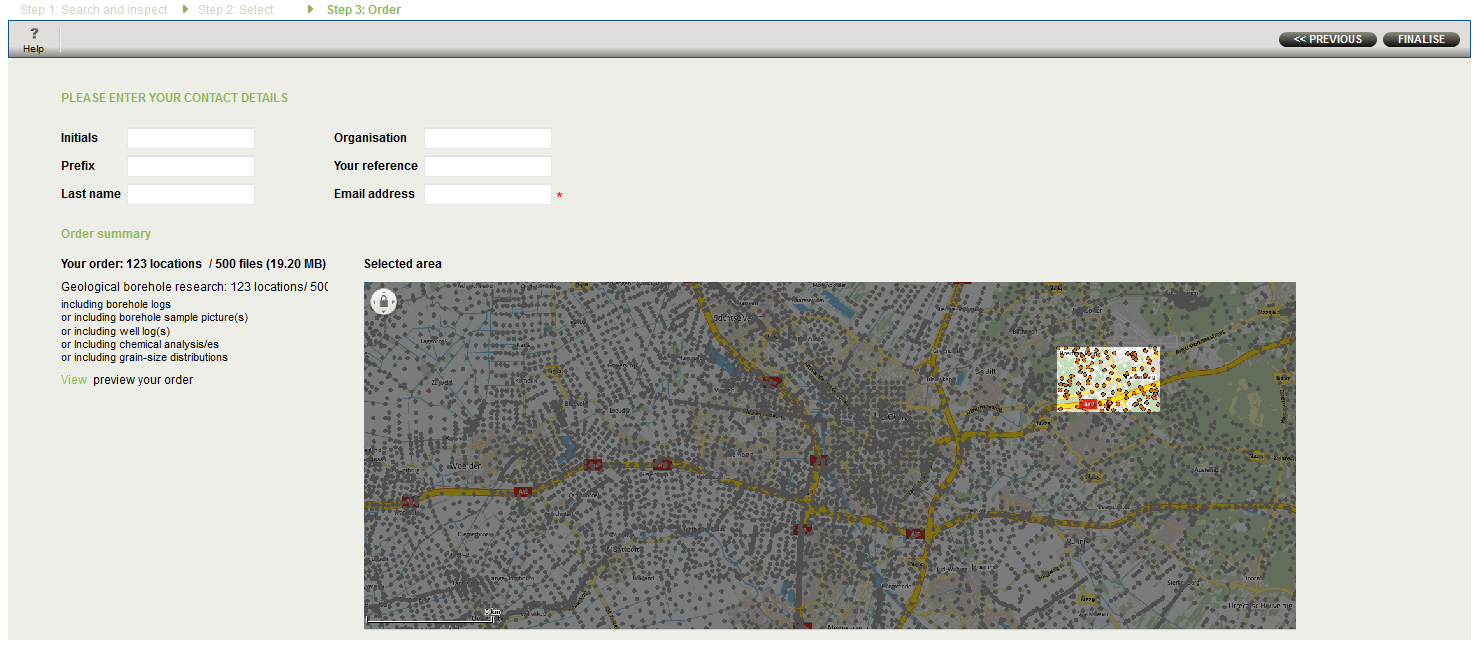
Order data
After you have entered your information and checked your order, submit the order by clicking the “FINALISE” button.
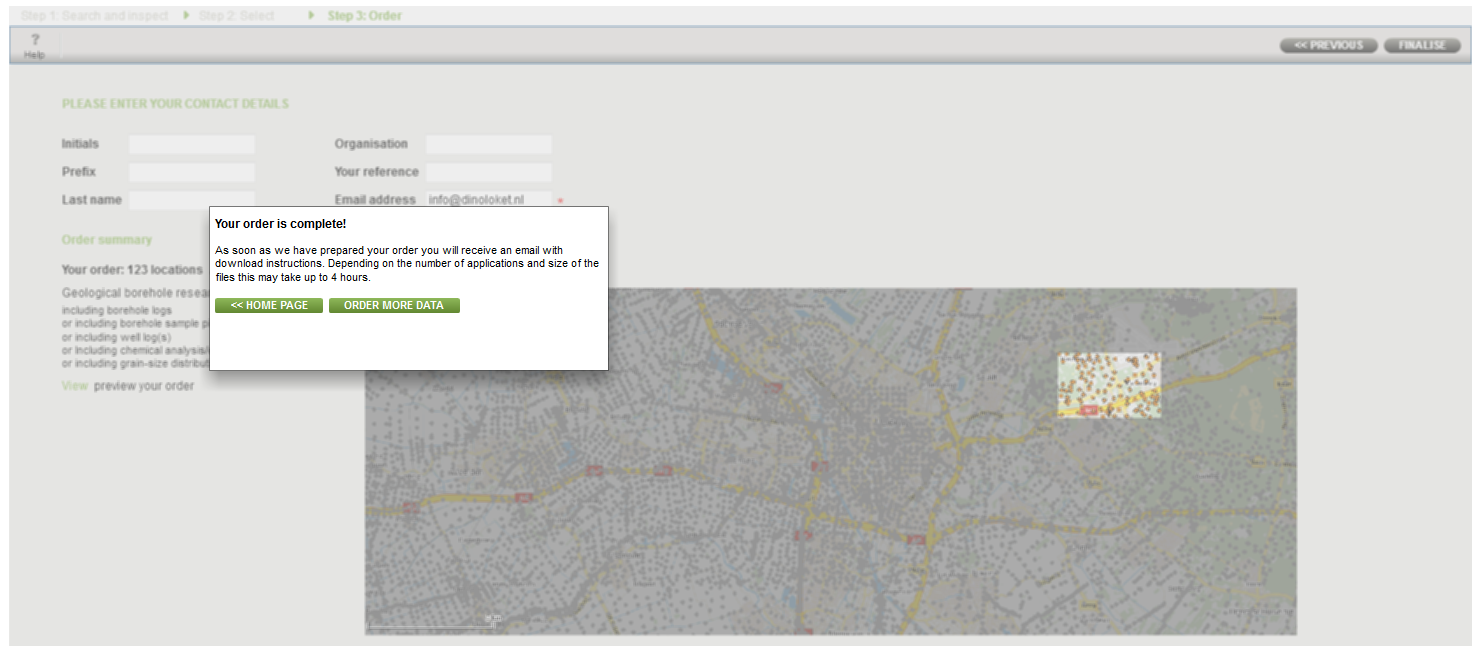
Finalising your application
Your order will now be processed and you will be emailed a link for downloading the requested data. After submitting your order you may wish to return to the Home page or to Step 1 to start a new request.